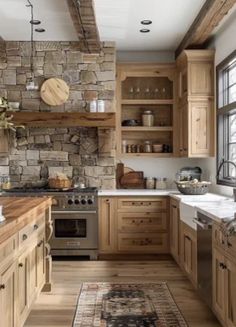
DIY home renovation software helps budget-conscious homeowners visualize paint colors, tile upgrades, and accent walls before spending money on materials. DressAI eliminates costly errors by allowing you to simulate full room makeovers directly on your mobile device using generative AI filters.
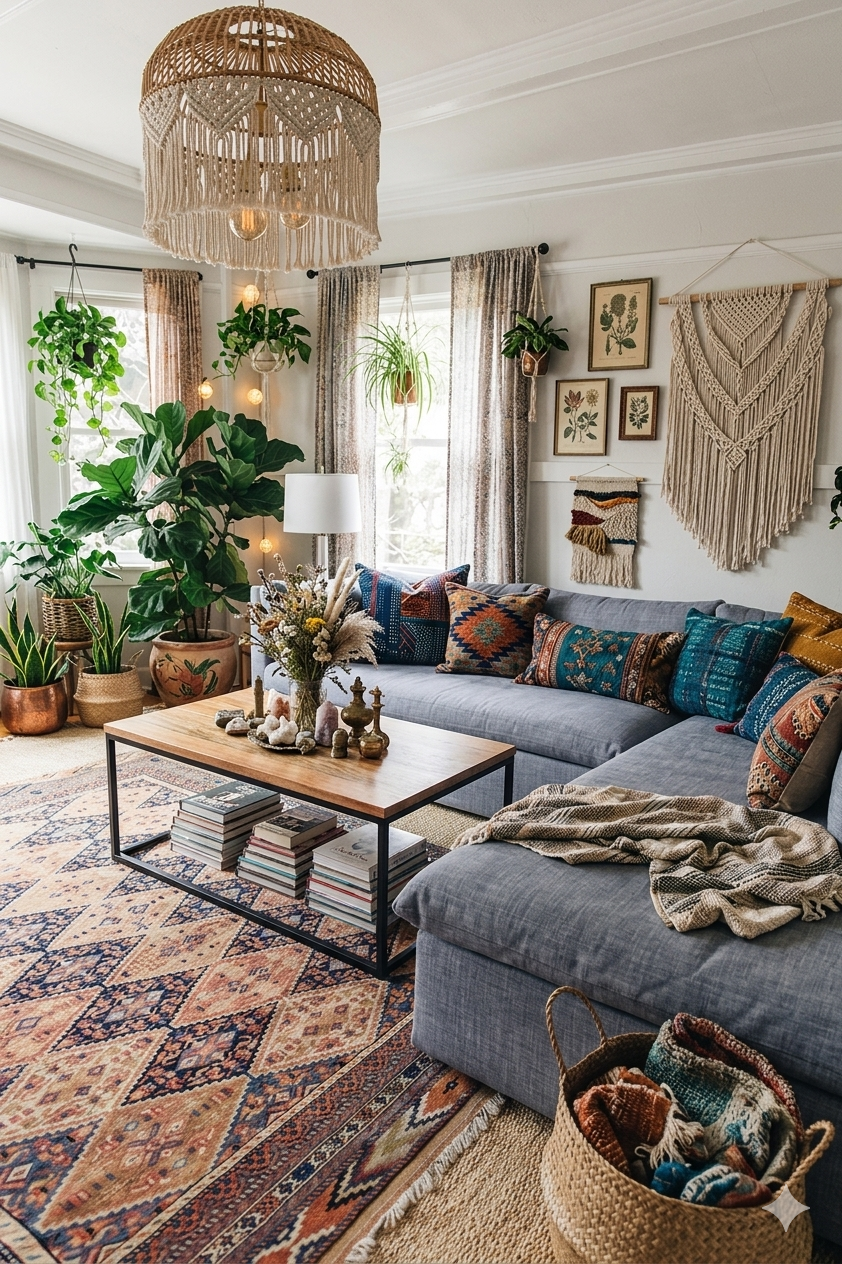
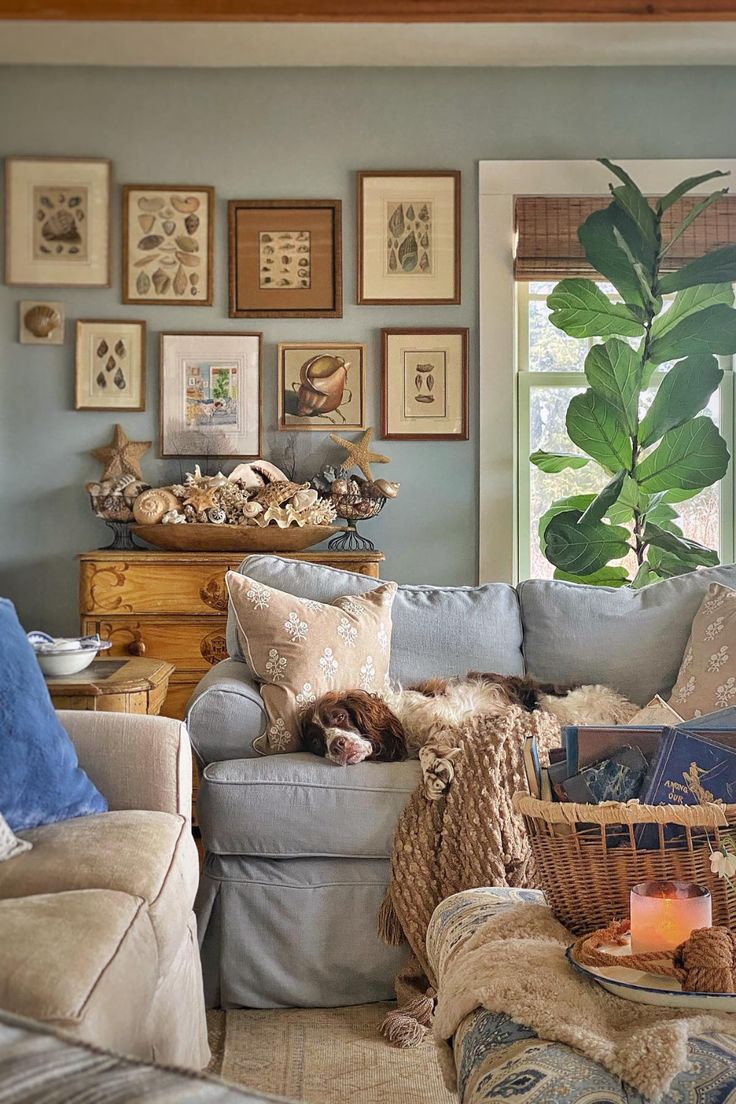 BeforeAfter
Take the Risk Out of Your Next Weekend DIY Project
Painting an entire room or installing peel-and-stick flooring by yourself is hard work. If the color looks too dark or the wood pattern clashes with your cabinets, fixing it means wasting both your weekend and your hard-earned budget.
Using an advanced color try-on tool for walls and floors changes the game. DressAI operates as an online free app that maps new textures onto your existing surfaces, allowing you to try out dark moody accent walls, modern herringbone tiles, or rustic wood panels risk-free.
How to Map Out Your Budget Remodel in Seconds
Get an instant preview of your next home project without picking up a paintbrush:
- Pick a Renovation Card: Select your target upgrade like accent walls, modern tiling, or clean flooring.
- Drop in Your Room Photo: Ensure your current furniture and flooring are clearly visible.
- Generate the Preview: Instantly see a realistic rendering of your upgraded surfaces seamlessly integrated into the room.