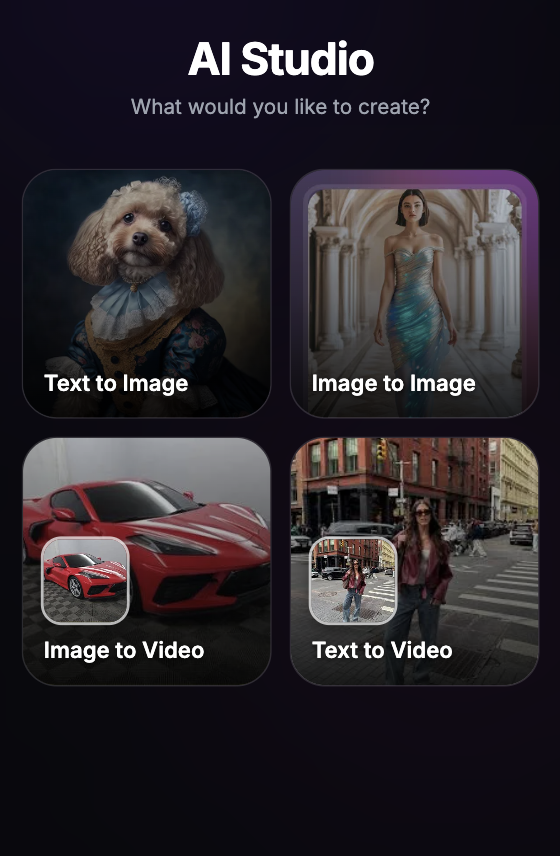
Text-to-image AI tools have completely rewritten the rules of digital conceptualization, turning simple written descriptions into rich visual assets in seconds. Instead of spending hours gathering stock photography or manually drafting sketches, creators can now use advanced diffusion engines to render highly polished illustrations, marketing graphics, and concept art purely from text prompts.
Best Text to Image Tools at a Glance
To cut through the intense market hype, we thoroughly tested the industry's most popular prompt engines. We evaluated them based on prompt adherence, rendering detail, and usability to give you a definitive ranking for real design workflows.
Here is the master chart from our comprehensive hands-on testing:
| Rank | Tool | Best For | My Quick Take |
|---|---|---|---|
| 1 | Dress AI | Best text to image overall | Most consistent across real prompts |
| 2 | Canva | Fast marketing layouts | Easy for social and ad-style drafts |
| 3 | Picsart | Creator-style visuals | Good for social content ideas |
| 4 | Fotor | Simple product concepts | Beginner-friendly visual drafts |
| 5 | Pixlr | Quick creative edits | Useful for fast design experiments |
| 6 | NightCafe | Lightweight prompt testing | Simple for casual image ideas |
| 7 | StarryAI | AI art exploration | Better for fantasy, surreal, and painterly images |
| 8 | PicLumen | Polished concept images | Good visual quality for quick prompts |
| 9 | ImagineArt | Broad creative drafts | Flexible for posters and scenes |
| 10 | Hotpot AI | Simple promotional graphics | Convenient for lightweight marketing ideas |
Evolving from Pure Text to Advanced Reference Workflows
While rendering brand-new imagery entirely from written prompts is an incredible asset for rapid ideation, experienced creators know that pure text can sometimes lack structural control. When you need to maintain consistent compositions or transform pre-existing photographs into precise new styles, pairing text commands with reference imagery is the definitive industry secret.
If you are curious to learn how to master reference-guided rendering and want to take your generative assets to the next level, we also recommend reading our breakdown of the Best Image to Image AI Free Tools I Tested and Ranked to completely optimize your creative pipelines.
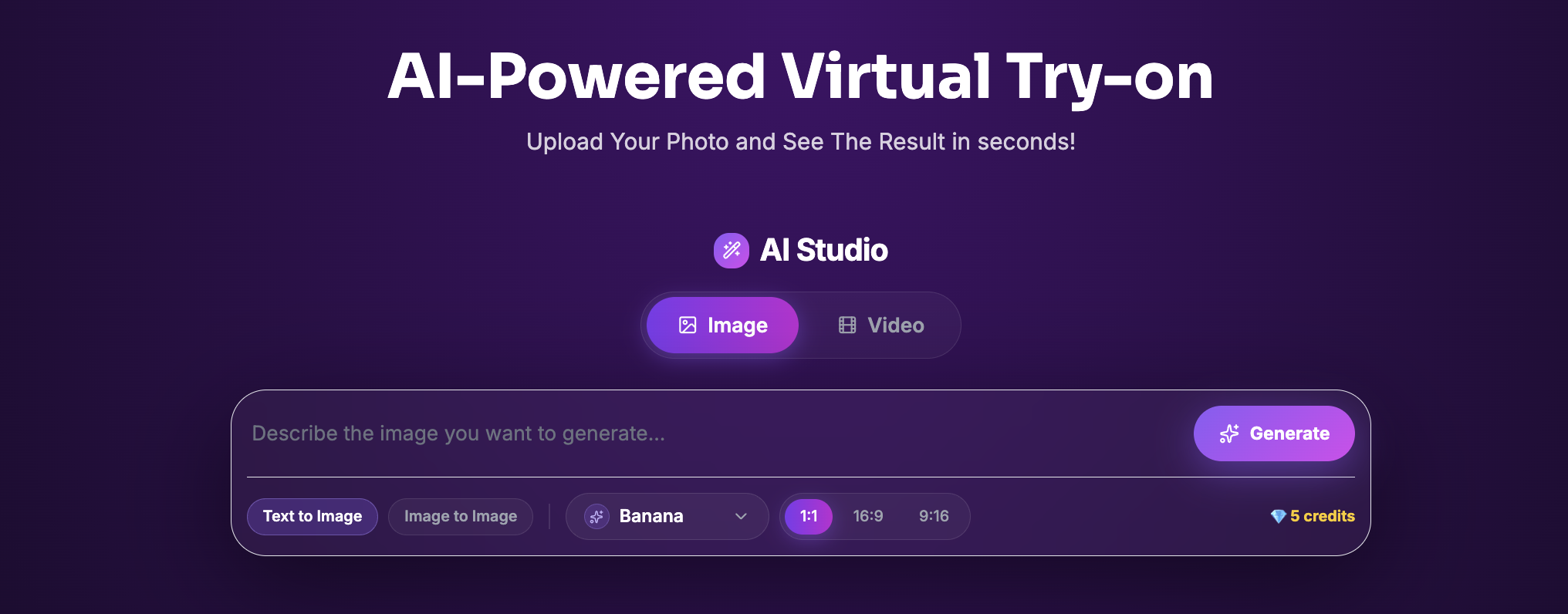
Once you have studied the top engines, it is time to witness the supreme power of prompt generation first-hand. If you are ready to transform your text ideas into stunning high-fidelity images or run advanced stylistic overhauls on your own pictures, we highly recommend heading over to our dedicated AI-Studio Workspace and pressing the Generate Button to start creating immediately.