Artificial intelligence has entirely restructured digital content creation, turning multi-day post-production tasks into instant prompt-to-video executions. Whether you are building social media reels, corporate marketing explainers, or complex cinematic sequences, choosing the right automated engine for your pipeline is essential to save hours of manual rendering and framing.
Complete Breakdown of the Top Performing Platforms
To help you navigate the busy landscape of automated creative workspaces, we tested the industry's most viral tools. We evaluated them based on their speed, rendering precision, and main workflow advantages.
Here is the master comparison chart derived from our real-world workflow stress tests:
| Tool | Best For | Main Advantage |
|---|---|---|
| Dress AI (Studio) | Frame-level visual edits | Changes what appears inside existing footage through prompts. |
| CapCut | Short social edits | Fast templates, captions, mobile editing, and platform-ready polish. |
| VEED | Browser captions and cleanup | Simple online editing for subtitles, resize tools, and exports. |
| Invideo AI | Prompt-led marketing drafts | Turns ideas or scripts into editable promotional video drafts. |
| Pictory | Long-content repurposing | Converts scripts, webinars, and articles into structured video drafts. |
| Fliki | Voiceover-led video edits | Builds narrated videos from scripts with voice and visual support. |
| Animaker | Beginner animated explainers | Template-based editing for simple animated business videos. |
| HeyGen | Avatar-based presenter edits | Polished talking-head video workflows for business presenters. |
| Runway Gen-3 | Generative text-to-video | Hyper-realistic environmental generation and fluid movement simulations. |
| Pika Labs | Micro-animation cycles | Excellent for animating static portraits and adding quick motion dynamics. |
Deepening Your Creative Stack with Smart Multimodal Engines
While cutting-edge timeline filters allow you to slice footage in seconds, true visual dominance comes from combining your video pipeline with powerful image and asset generators. Advanced content creators rarely rely on a single system; they seamlessly bridge multiple layout models together to establish a unique aesthetic identity.
If you are curious to learn more about how intelligent styling filters can entirely transform your visual presence, we also recommend reading our comprehensive Best AI Photoshoot and Retro Styling Guide to master cross-platform asset creation.
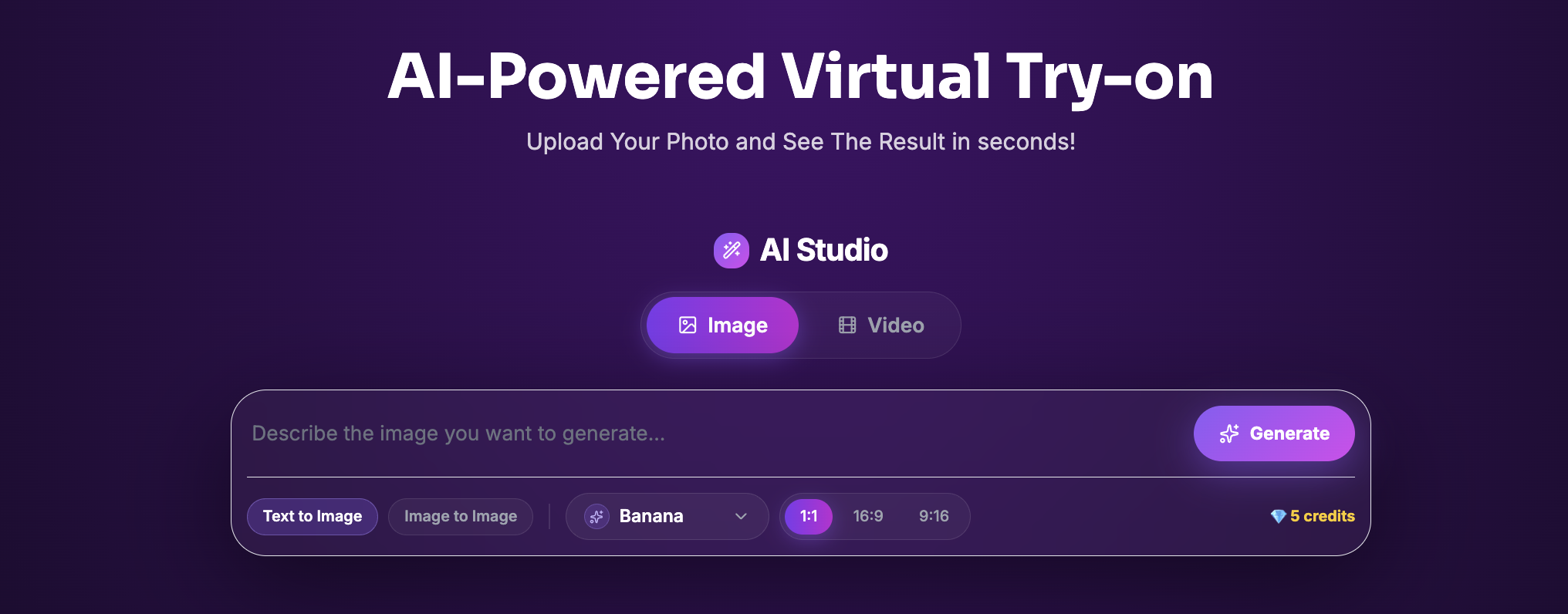
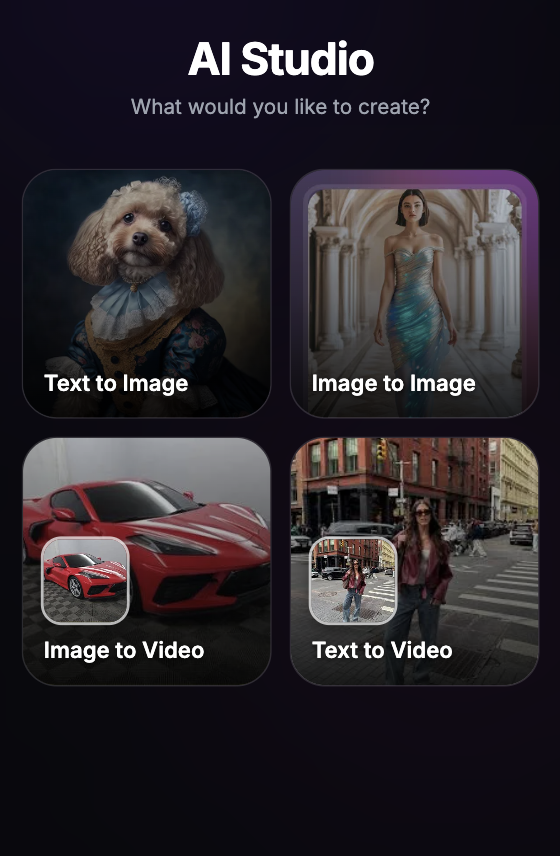
Once you have your automated workflow fully optimized, the next step is executing high-fidelity frame modifications. To experience the pinnacle of generative design right inside your own browser window, we highly recommend heading over to our dedicated AI-Studio Workspace and pressing the Generate Button to watch advanced neural filters bring your standard portraits to life instantly.